
 Indent Four
Python 3.14 for iPhone + iPad
Write Python. Make something useful.
Indent Four is a focused, local Python workspace for scripts, Shortcuts, and real files—PDFs, spreadsheets, images, reports, and more.
No account. No cloud runtime. No setup.
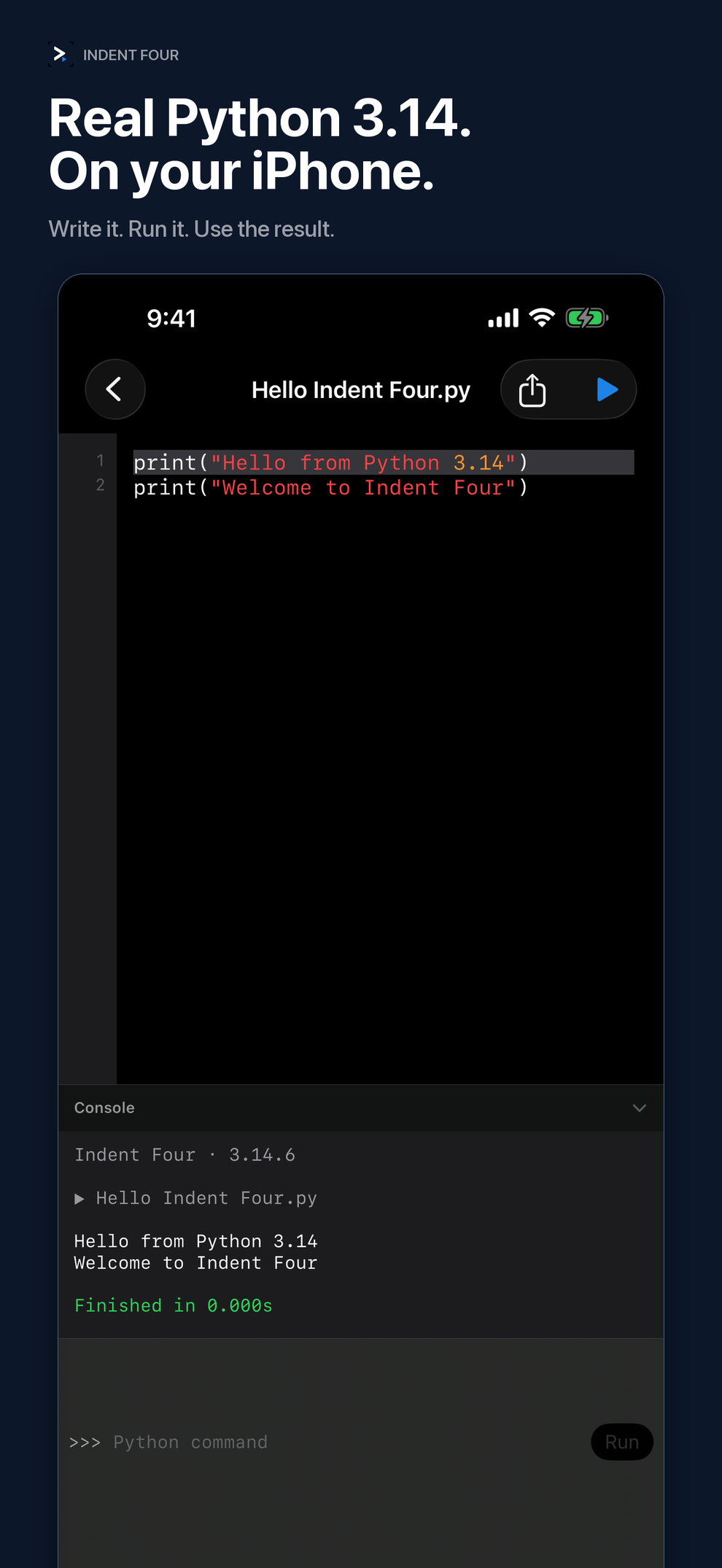
A focused place to write and run Python.
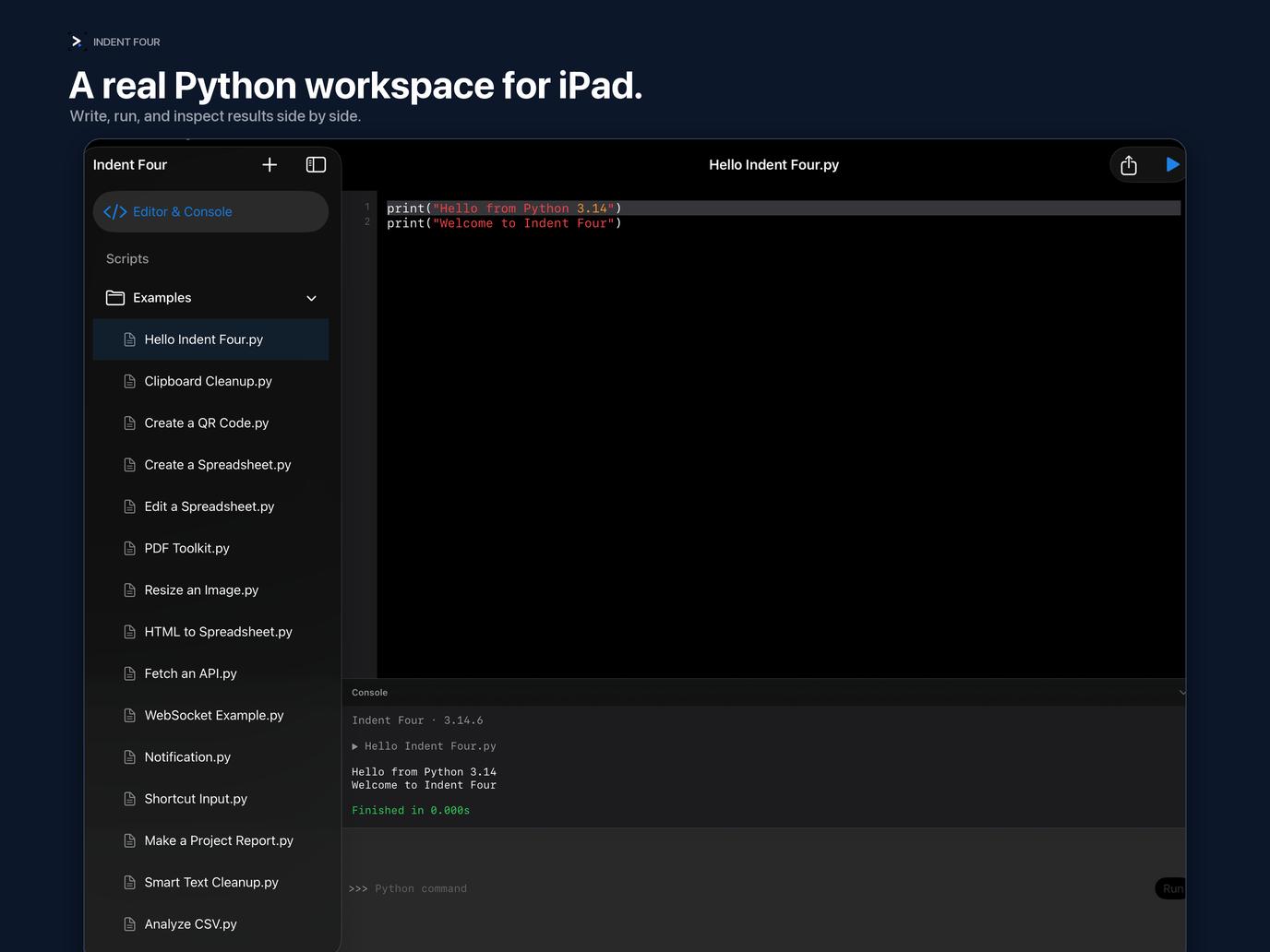
Indent Four keeps the edit–run–use loop close. Write a script in a native editor, run it with CPython 3.14, inspect the result in the console, and keep whatever the script creates.
It is deliberately narrower than a desktop IDE—and much more at home on an iPhone or iPad.
01 — Local Python
Real Python, right on the device.
CPython 3.14.6 and the included libraries ship with the app. The editor, runtime, and file workflows work without a network connection. Network access happens only when a script explicitly requests it.
- Native editor with syntax highlighting and smart indentation
- Integrated console with output, errors, timing, and artifacts
- Python files remain visible through the Files app
02 — Shortcuts
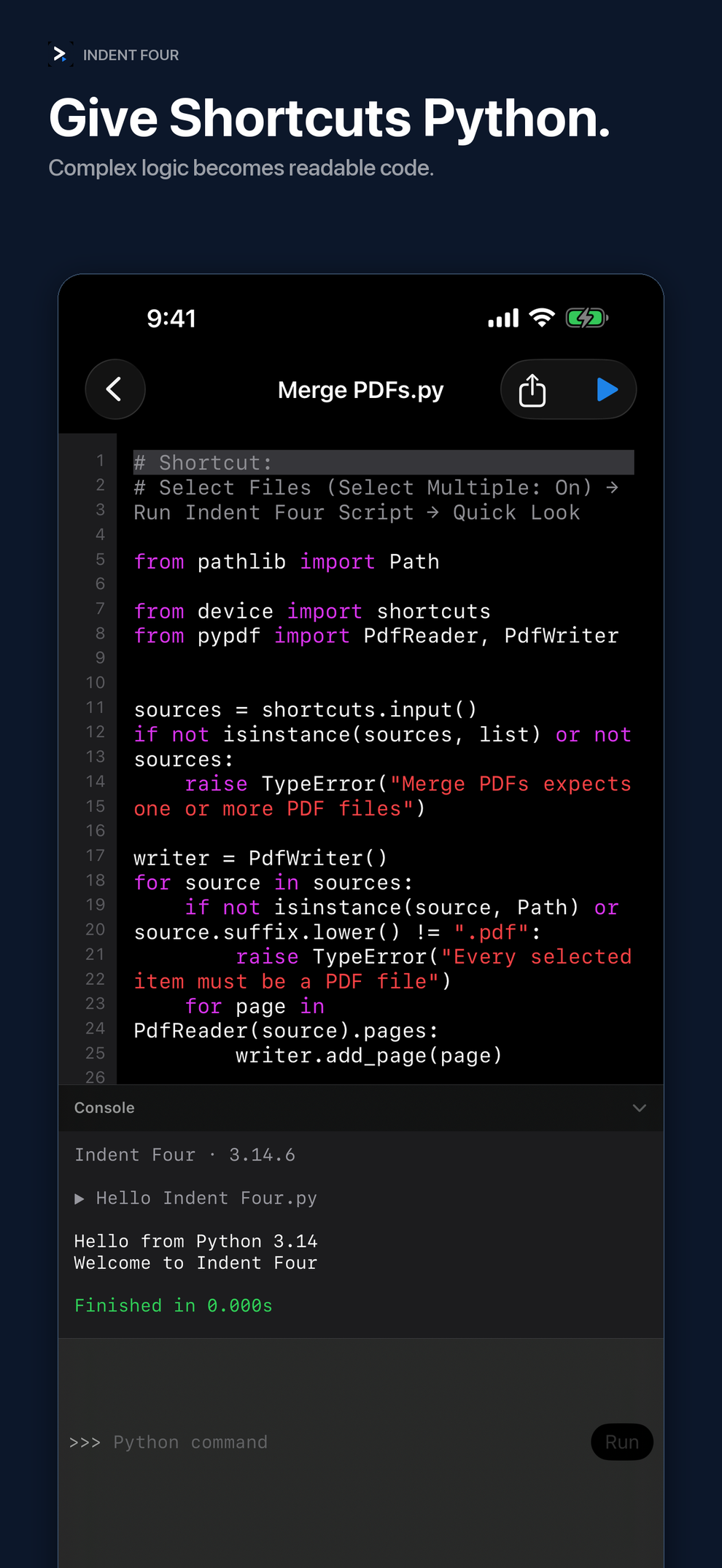
Give Shortcuts the logic it was missing.
Run a saved script or inline Python from Apple Shortcuts without opening Indent Four. Pass in text, numbers, Booleans, URLs, files, lists, or JSON—and return useful values or files to the next action.
Python becomes part of the workflow, not a separate destination.
03 — Real outputs
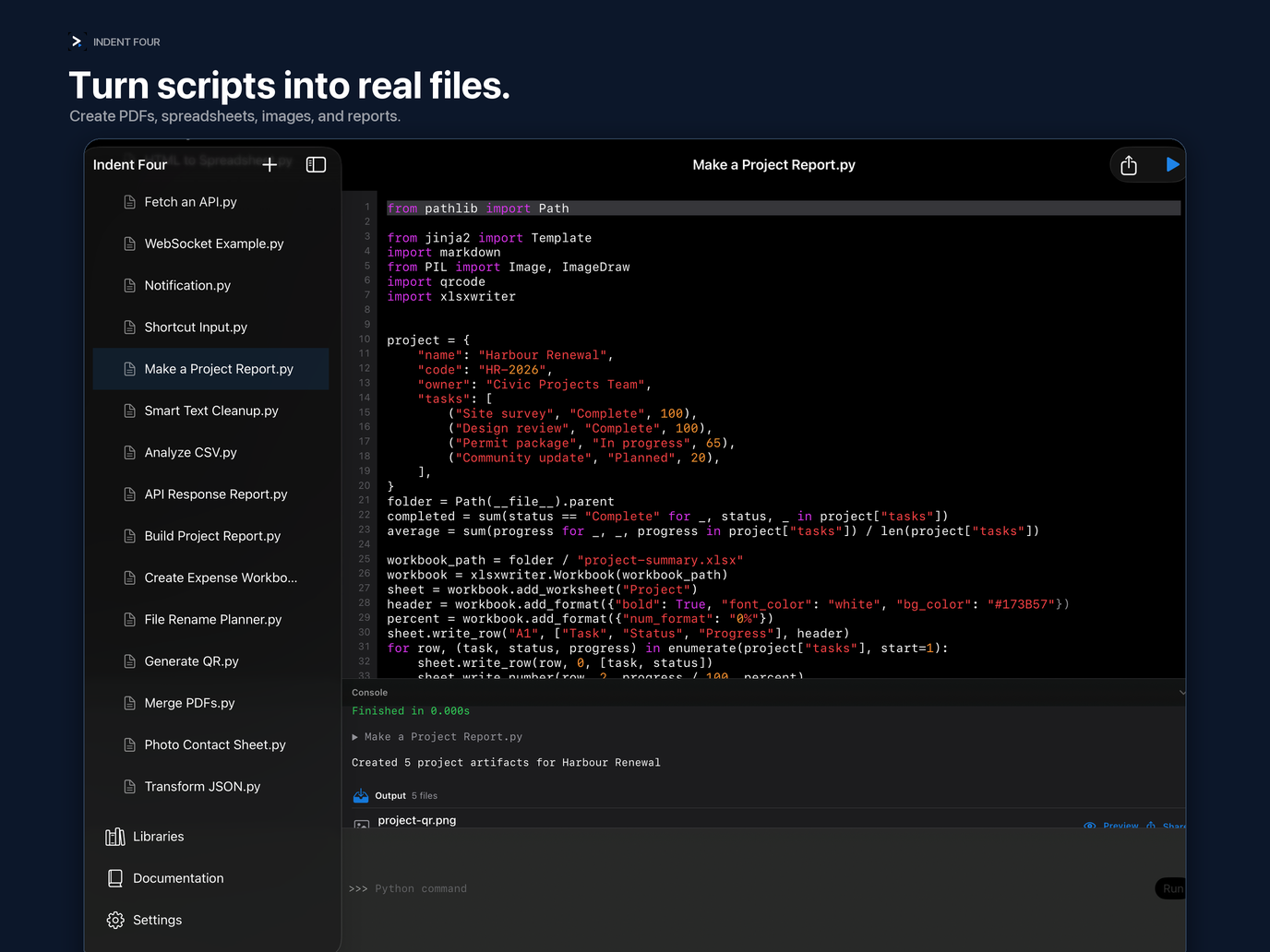
Code that leaves the console.
Create PDFs, XLSX workbooks, images, QR codes, Markdown, HTML, CSV, JSON, YAML, and complete multi-file reports. New and changed files appear after each run with Preview and Share actions.
- PDFcreate, combine, inspect
- XLSXbuild and edit spreadsheets
- Imagesresize, transform, generate
- Reportsproduce several useful files in one run
- Datawork with CSV, JSON, YAML, and HTML
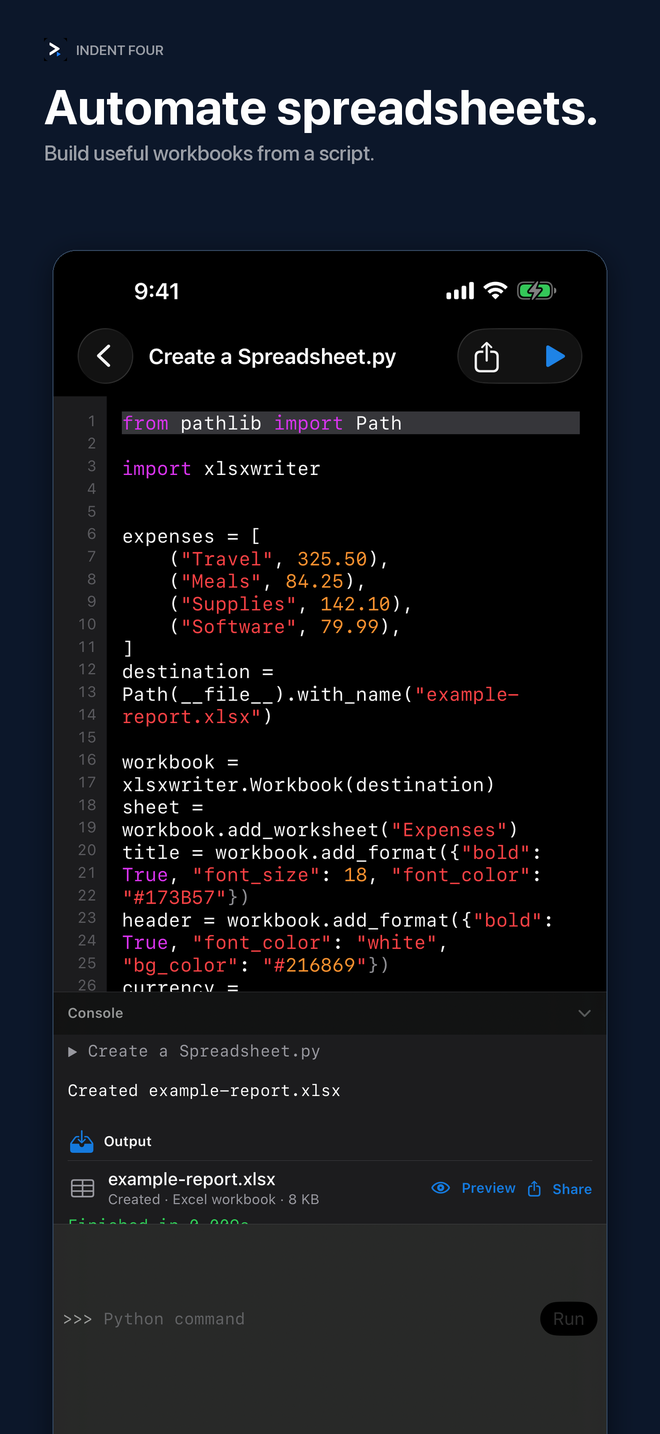
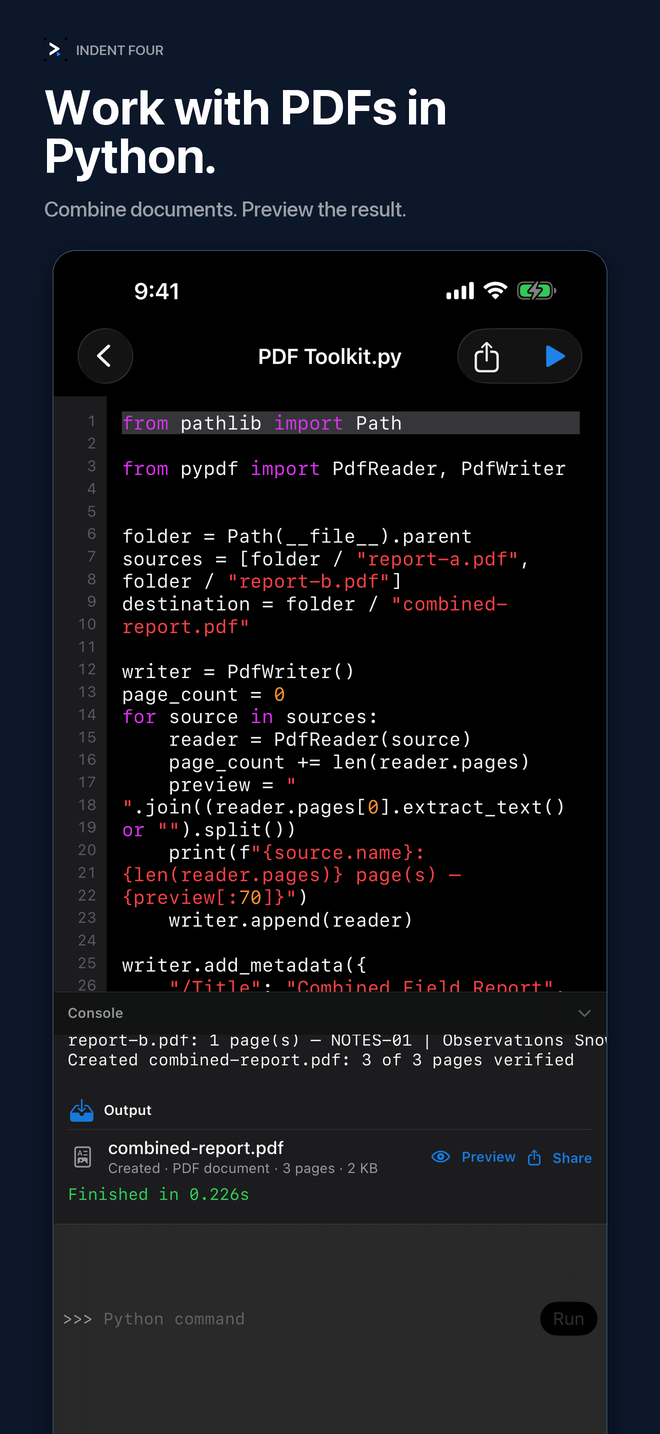
Write it. Run it. Use the result.
-
Start with a script
Create your own Python file or open an editable included example.
-
Run locally
See output, errors, completion time, and generated artifacts in the integrated console.
-
Keep what you made
Preview, share, or continue working with the resulting files through Files and Shortcuts.
Included libraries
Useful tools. Already there.
Indent Four includes a curated set of libraries for practical scripts. They ship with the app, so version 1.0 does not need a package download step.
Included versions are visible inside the app.
- Web
- Requests, Beautiful Soup, WebSockets
- Documents + data
- pypdf, XlsxWriter, openpyxl, PyYAML, Markdown
- Images
- Pillow, qrcode
- Utilities
- Jinja2, python-dateutil
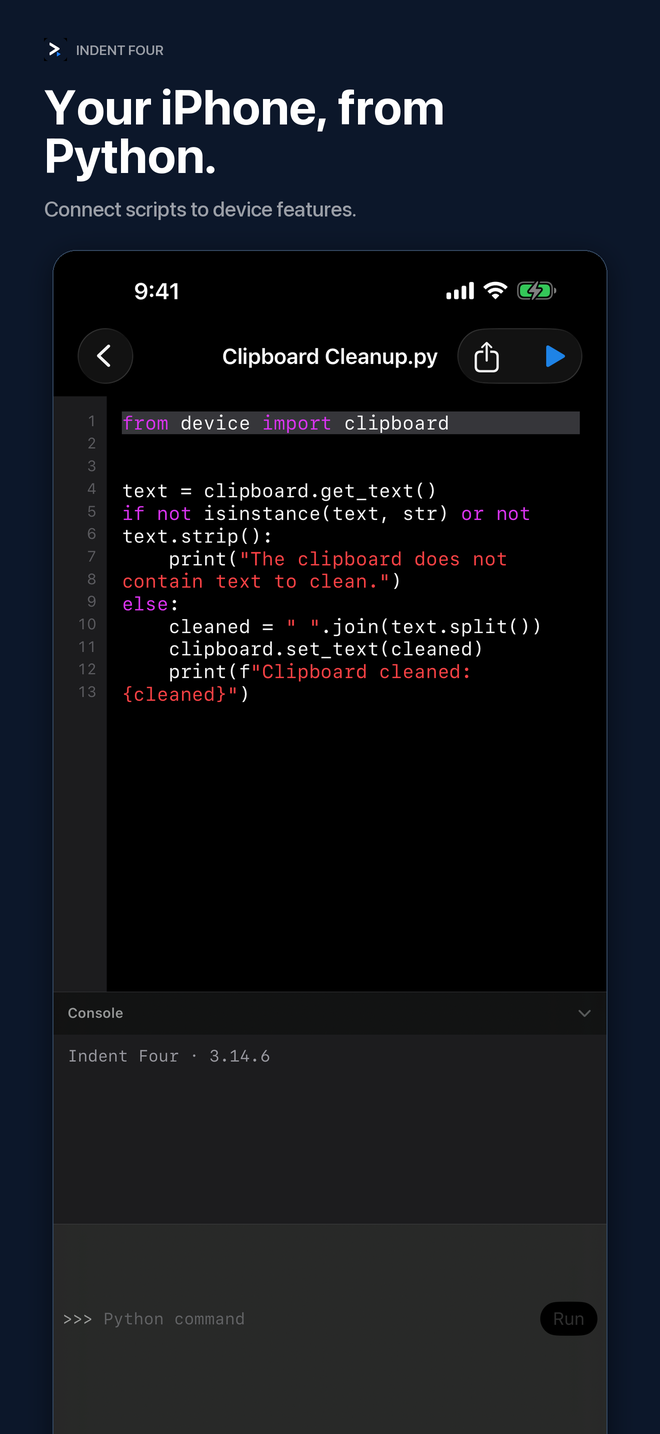
Use the device you already have.
Python scripts can work with files, system photo picking, sharing, clipboard text, haptics, speech, local notifications, location, calendars, reminders, contacts, Keychain, and device information.
Protected permissions are requested only when the running script explicitly uses the corresponding feature.
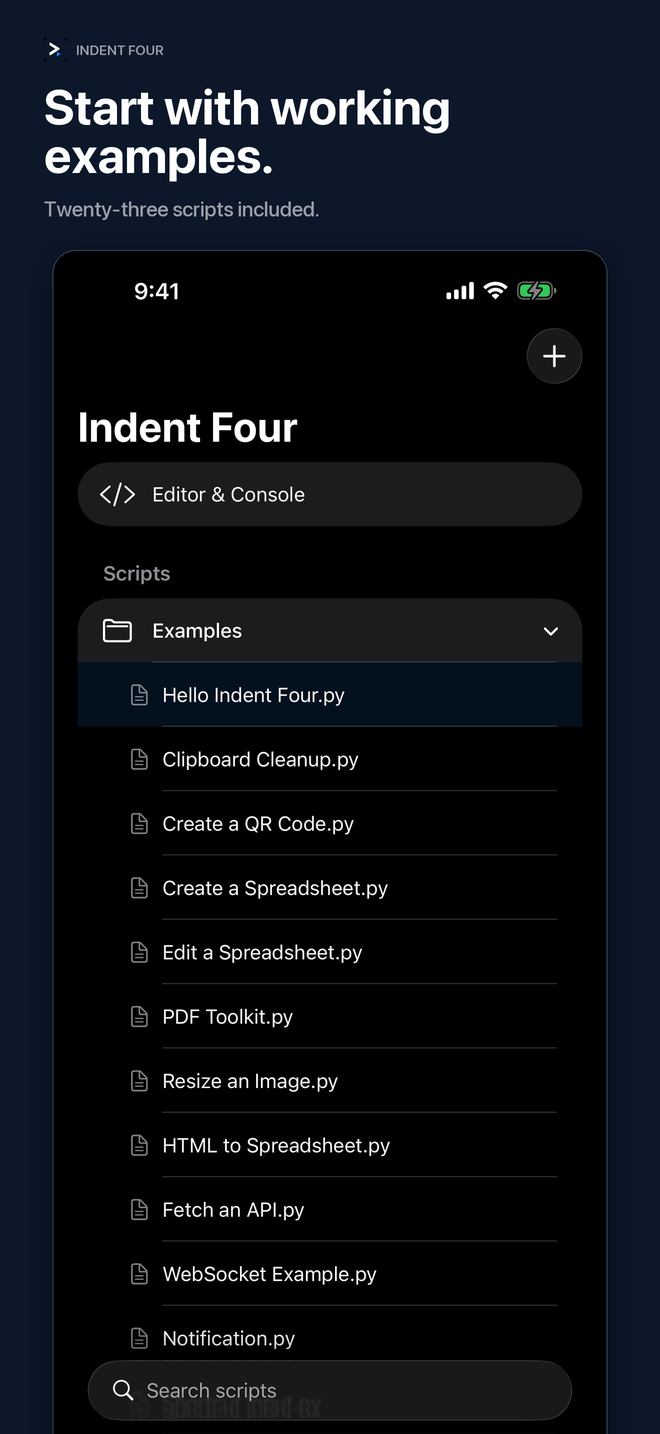
Start from working code.
Included examples are normal, editable Python files. Run them as they are, change them directly, duplicate them, or use them as the beginning of something else.
- Create and edit a spreadsheet
- Combine and inspect PDFs
- Resize an image
- Generate a QR code
- Fetch an API
- Use WebSockets
- Clean up clipboard text
- Transform values in Shortcuts
- Build a multi-file project report
Examples can be restored from Settings without replacing files you have already changed.
Local by default
Your scripts are yours.
Indent Four has no account, advertising, analytics, tracking, or developer cloud runtime. Scripts and local outputs stay in the app’s document container unless you explicitly share them or run code that connects to a network service.
Read the privacy policyQuestions, answered plainly.
Does Indent Four run real Python locally?
Yes. The app includes CPython 3.14.6. Scripts execute on the device rather than being sent to a developer-operated server.
Does it work offline?
The editor, runtime, included libraries, examples, and local file workflows work offline. A script that calls a web API or another network service naturally requires a connection.
Can I install packages with pip?
Not in version 1.0. Indent Four includes a curated set of libraries that ship inside the signed app.
How does Shortcuts integration work?
Use “Run Indent Four Script” for a saved file or “Run Python Code” for inline code. Shortcuts can pass supported values and files into Python and receive values or files back.
Where are my scripts and outputs?
They are available under On My iPhone or On My iPad → Indent Four → Scripts in the Files app.
Does it work on iPad?
Yes. Indent Four has dedicated iPhone and iPad layouts and supports both portrait and landscape orientations where appropriate.
Does Indent Four collect my data?
No. The app has no analytics, advertising, tracking, accounts, or developer backend. Code you choose to run can communicate with services you specify.
Keep a Python workspace in your pocket.
Write useful scripts, connect them to Shortcuts, and create files that are ready for the rest of your workflow.